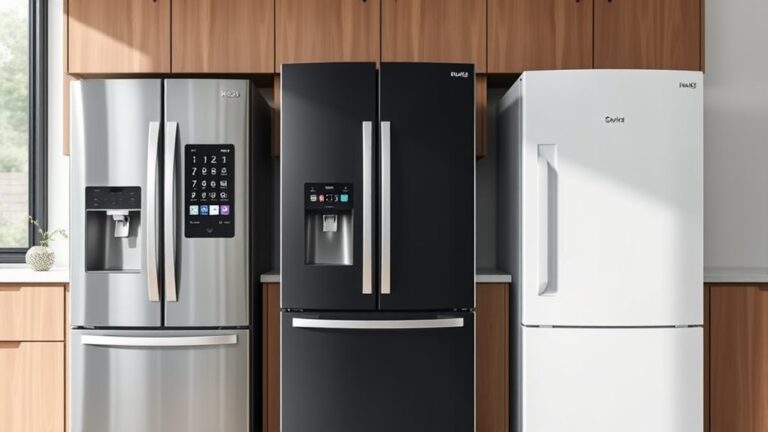
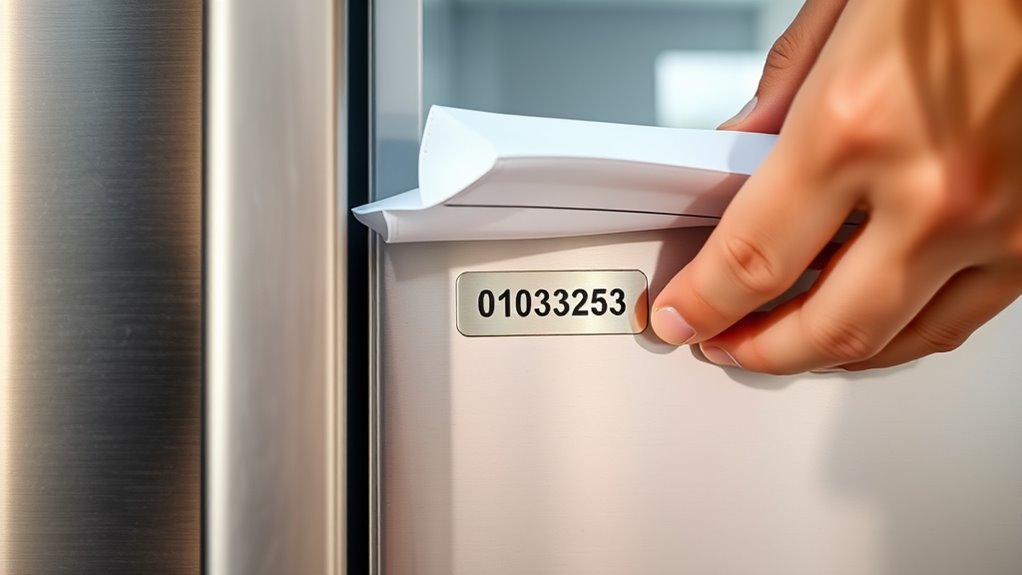
How to Find the Serial Number on a Fridge in 10 Steps
Finding your fridge’s serial number can feel frustrating, especially when the label seems hidden in the most inconvenient place. You’re not alone—many people struggle to locate it when registering an appliance, requesting repairs, or checking warranty details.
To find your fridge’s serial number, follow these steps: empty blocked areas, check the inner walls, and look along the door frame. Remove crisper drawers and inspect behind them. Search the freezer, cabinet edges, toe grille, underside, and back panel.
Use a flashlight and gently move the gasket if needed. Check the owner’s manual, receipt, or order history. Identify labels marked “Serial” or “S/N,” copy every character, and save a photo.
The detailed steps below can help you locate it confidently.
Key Takeaways
- Check the fresh-food compartment’s side walls, rear wall, ceiling, and areas behind crisper drawers for a label marked “Serial” or “S/N.”
- Inspect the door frame, gasket, cabinet edges, freezer compartment, ice-maker area, and behind removable shelves or bins.
- Unplug the refrigerator before examining the back, bottom, toe grille, leveling feet, or hidden rating plates.
- Use the owner’s manual or manufacturer’s website to identify likely serial-number locations for your specific refrigerator model.
- Copy every character exactly, photograph the label, and store the number with receipts, warranty records, and service information.
Check the Fridge’s Inner Walls
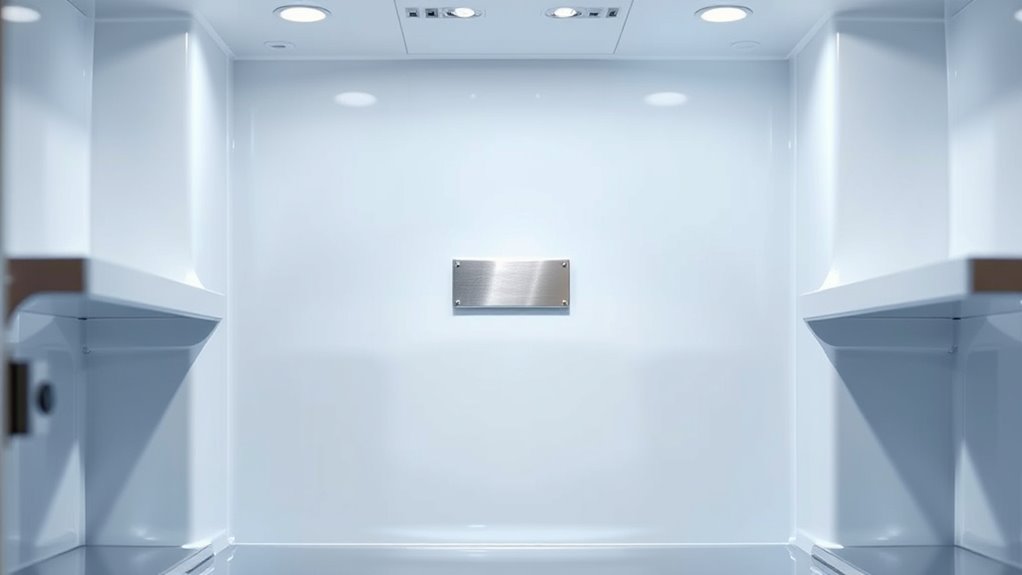
Start by opening the refrigerator and removing any food or drawers that block your view. Focus on the refrigerator’s inner walls, especially the side walls, back panel, and ceiling.
Manufacturers often place a printed label or engraved plate in these areas, where it remains protected from regular handling.
The label stays protected from everyday handling, making the refrigerator’s inner walls a reliable place to check.
Use a flashlight to inspect dim corners, and wipe away condensation or spills so you can read the label clearly. Look for headings such as “Serial,” “S/N,” or “Serial No.”
Don’t confuse the serial number with the model number, product code, or manufacturing date. Record every letter, number, and hyphen exactly as shown, then take a clear photo for reference.
Understanding Serial number importance helps you order correct parts, verify warranty coverage, and arrange repairs. This simple Appliance maintenance step can also support recalls or service requests.
If you can’t find the label on the inner walls, check your owner’s manual for a location diagram before moving elsewhere.
Look Along the Door Frame
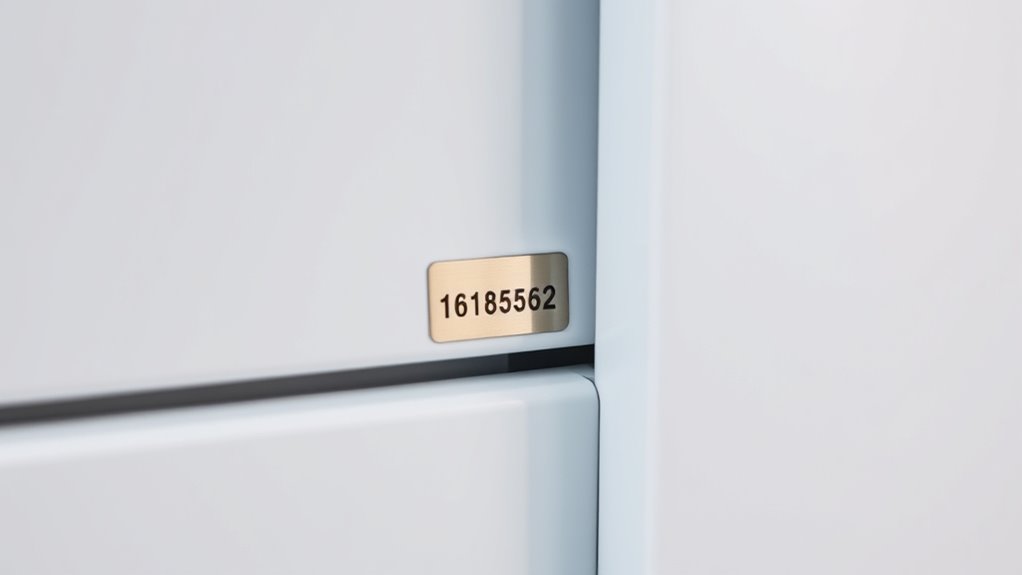
If the inner walls don’t reveal the label, open the fridge door and inspect the door frame, gasket area, and cabinet edge. Manufacturers often place the serial-number sticker where the door closes, so check both vertical sides and the upper frame.
Move the rubber gasket gently aside with your fingers, but don’t pull it hard or detach it. Look for a white, silver, or black label listing “Serial,” “S/N,” or “Model.”
Use your phone’s flashlight to illuminate dim corners, and wipe away dust with a dry, soft cloth if necessary.
Check the lower hinge-side frame as well, since some brands position the label near the hinge or beneath a small trim piece. Don’t confuse exterior markings, such as energy ratings, warning labels, or production codes, with the serial number.
Record every character exactly, including letters, hyphens, and zeros. If the label appears damaged, photograph it before cleaning so you can enlarge unclear text later.
Inspect Behind the Crisper Drawers
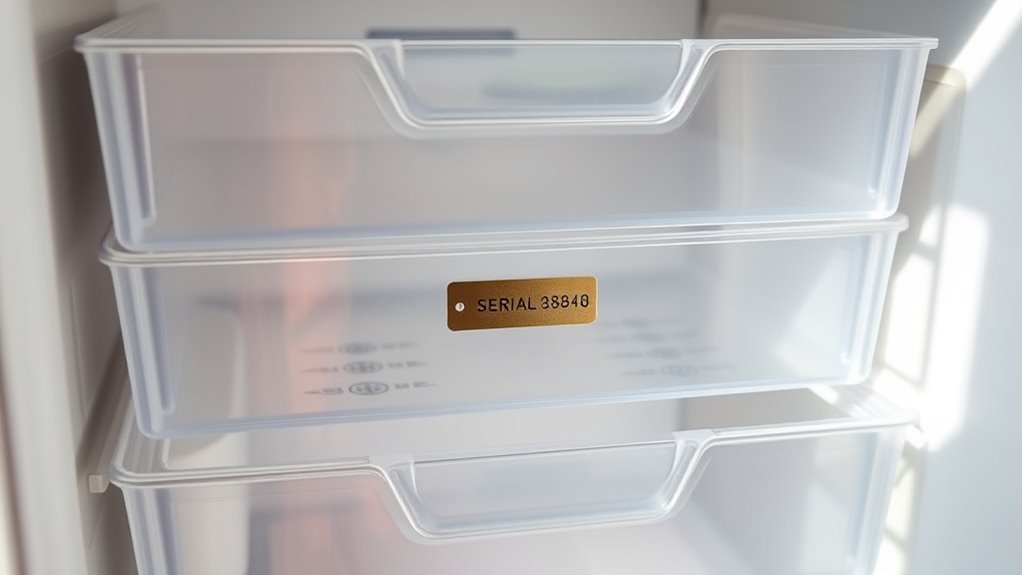
Remove the crisper drawers to access the space behind them. Then, check the interior walls for a printed or affixed serial label. If you don’t see it right away, carefully inspect both side walls and the rear wall.
Remove Crisper Drawers
For some fridges, the serial number is hidden behind the crisper drawers, so empty the drawers and lift or slide them out according to the manufacturer’s design. Remove food, containers, and loose produce first to prevent spills.
Pull each drawer forward until it stops, then raise the front slightly if the rails require that motion. For hinged or sectional designs, release the tabs or levers gently; don’t force anything that resists.
Set the drawers on a towel while you inspect the exposed rear panel or cabinet area for a printed label, barcode, or stamped number. Photograph the information before reinstalling the drawers.
This step also supports crisper maintenance because you can clean the rails and check for damage. Follow the manual’s instructions if drawer replacement becomes necessary.
Check Interior Walls
With the crisper drawers out, inspect the interior walls and the space behind them for the serial-number label. Use a flashlight if Interior lighting doesn’t reach the lower compartment.
Check the back wall, side panels, and the ledges supporting each drawer. Look for a printed sticker, engraved plate, or stamped code, but don’t peel or scrub anything you find.
Wipe away moisture carefully so the characters remain readable. Examine corners where spills, frost, or food residue may hide small markings.
Keep the drawers nearby and compare their positions as you work, ensuring you don’t miss the wall directly beneath either one. Check the Door seals for damage that could have allowed condensation inside, then dry the compartment thoroughly.
If you still don’t see a number, continue examining the remaining interior surfaces.
Locate Serial Label
Once the crisper drawers are out, inspect the rear wall and side panels for the serial-number label. Use a flashlight to examine corners, seams, and areas hidden by drawer supports.
Manufacturers often place the label low on the cabinet, where spills or food debris can obscure the print. Wipe the surface gently with a damp cloth, then dry it before reading the numbers.
Don’t scrape the label or use harsh cleaners, because you could damage important information. Look for headings such as “Serial Number,” “S/N,” or “Model,” and copy every letter, number, and hyphen exactly.
Take a clear photo for your records, especially when handling appliance maintenance or warranty registration. If you can’t find the label, replace the drawers and check the door frame, interior ceiling, or owner’s manual for another location.
Search Inside the Freezer
If the serial number isn’t on the refrigerator’s exterior, open the freezer and inspect the side walls, ceiling, and area near the ice maker for a label or stamped plate. Remove food bins or shelves if they block your view, and use a flashlight to check corners.
Don’t peel off labels. Wipe away frost gently so you can read the characters.
| Location | What to check | Helpful action |
|---|---|---|
| Side wall | Sticker or plate | Remove the bin |
| Ceiling | Printed label | Use a flashlight |
| Ice maker | Nearby frame | Lift the cover |
Look for terms such as “Serial,” “S/N,” or “Model.” Record every character carefully, including zeros, dashes, and letters that resemble numbers.
Photograph the label before closing the freezer compartment. If you find only a model number, keep searching around the ice maker and inner door.
Confirm the serial number against your owner’s manual or registration records. Avoid scraping frost with sharp tools, which could damage the liner or label.
Check the Back of the Fridge
Check the back of the fridge when you haven’t found the serial number inside. First, unplug the appliance to protect yourself from electrical hazards, and ask someone to help if it’s heavy. Leave enough space around the fridge so you can move it without straining or damaging the floor.
Use a flashlight to inspect the rear panel, side edges, and upper corners. Look for a manufacturer’s label, stamped plate, or barcode sticker showing “Serial Number,” “S/N,” or “SN.” Record every letter and number exactly, including dashes and zeros. Take a clear photo before you move the fridge back.
While you’re there, check for dust buildup, damaged cords, or unusual wear. Basic fridge maintenance can improve performance, but don’t remove covers or touch wiring. For appliance safety, keep the refrigerator upright, avoid pulling it by the cord, and reconnect it securely when finished. If the label remains hidden, contact the manufacturer with the model number.
Look Underneath the Appliance
Look underneath the appliance when the serial number isn’t on the back or inside the fridge. Before you begin, unplug the refrigerator and move it away from the wall if possible. Ask someone to help you pull it safely, especially if it’s heavy or sits on uneven flooring.
Use a flashlight to inspect the lower frame, front edge, rear base, and areas near the leveling feet. You might need to remove a toe grille or access panel with a screwdriver. Keep screws together, and don’t force any part that resists removal.
Avoid touching wiring, tubing, or the compressor while searching. Wear gloves to protect your hands from sharp metal and accumulated dust.
As part of regular appliance maintenance, clean underneath the fridge and check for leaks or damage. These troubleshooting tips can help you work safely and spot problems, but consult your owner’s manual before removing panels or repositioning the appliance. Restore the fridge carefully when you finish.
Identify the Serial Number on the Label
Once you’ve inspected underneath the fridge, find the appliance label and read it carefully. Manufacturers usually place this label inside the fresh-food compartment, along a side wall, behind a crisper drawer, or near the door frame. Use a flashlight if the area is dark, and wipe away dust without damaging the print.
> Locate the appliance label inside the refrigerator compartment, using a flashlight and gently clearing away dust if needed.
Look for headings such as “Serial Number,” “S/N,” or “Serial No.” The serial number may contain letters, numbers, or both, and it can appear beside the model number.
Don’t confuse these two identifiers. The model number identifies the refrigerator design, while the serial number identifies your individual unit.
Copy the serial number exactly, including every letter, digit, and hyphen. Check similar-looking characters, such as zero and O, before saving it in a secure location.
You’ll need this information for appliance maintenance, service requests, replacement parts, and warranty registration. If the label looks worn, take a clear photo for reference.
Check the Owner’s Manual
If the label is hard to read or missing, refer to the owner’s manual for guidance on your refrigerator’s serial-number location. Check the diagrams and troubleshooting sections first, because manufacturers often show the exact panel, frame, or compartment where they place the number.
Your manual may also explain how to access a hidden label without removing parts or damaging the appliance.
Look for headings such as “Model and Serial Number,” “Product Identification,” or “Specifications.” Don’t confuse the serial number with the model number; the manual may illustrate both so you can compare their formats.
If your fridge includes a digital display, review the instructions for opening its information or settings menu. Some models show identification details there.
Can’t find a printed manual? Search the manufacturer’s website for your refrigerator’s model family and download the correct guide.
Use the manual’s diagrams and terminology to inspect the recommended location, then copy the serial number exactly, including letters, numbers, and hyphens.
Review Your Receipt or Order History
Your purchase receipt or online order history may list the refrigerator’s model and serial numbers, especially if you bought it directly from the manufacturer or a major retailer. Check the confirmation email, downloadable invoice, or account dashboard where you placed the order.
Check receipts, invoices, and online order histories for your refrigerator’s model and serial numbers.
Search your email for the brand name, “refrigerator,” “serial number,” “invoice,” or “order confirmation.” If you received a paper receipt, inspect every section, including product details, warranty information, and delivery documents.
- Check the original purchase date and store location.
- Compare the listed model number with your fridge’s label.
- Contact the retailer if the serial number isn’t shown.
You might also find these details in a warranty registration confirmation or appliance registration record. Manufacturers and retailers often connect registration information to your purchase account, making it easier to identify the correct appliance.
If your receipt lists only a model number, ask customer service whether they can retrieve the serial number using your order number, delivery address, or purchase date. Keep the receipt available while you check other identification sources.
Save Your Fridge Serial Number
After you find the serial number, save it somewhere you can access easily. Add it to your appliance records, along with the fridge’s brand, model number, purchase date, and retailer.
A note in a password-protected app, cloud document, or household inventory file can keep the information available when you need repairs, warranty service, insurance claims, or replacement parts.
For serial number security, choose a reliable storage method and limit access to people you trust. Don’t post the number publicly or share it with unknown callers.
You can also photograph the rating plate, then store the image with your other appliance documents. Make sure the photo clearly shows every character.
Complete serial number registration on the manufacturer’s website if it offers that option. Registration may simplify warranty support, product notifications, and recall alerts.
Keep your receipt, warranty details, and service records with the serial number. Review your saved information occasionally to guarantee it remains accurate and accessible.
Frequently Asked Questions
Can I Find My Fridge’s Serial Number Using the Manufacturer’s Mobile App?
Yes, you can often find your fridge’s serial number in the manufacturer’s mobile app. Open the app, select your registered refrigerator, and check its product details or account page.
Some apps let you scan the appliance label with a digital scanner, while others display the number after pairing through Wi-Fi or Bluetooth. If you don’t see it, use the app troubleshooting section, update the app, or contact manufacturer support for assistance.
Does the Serial Number Differ From the Model Number?
Yes, your serial number differs from your model number. The model number identifies the refrigerator’s design, series, and features, while the serial number identifies your specific unit for warranty claims, repairs, and recalls.
In the model vs serial distinction, keep in mind that multiple refrigerators can share one model number, but each unit has a unique serial number. Check the serial number location on the interior wall, door frame, or rear exterior panel.
What Should I Do if My Fridge’s Serial Number Label Is Damaged?
If your fridge’s serial number label is damaged, photograph every remaining mark before cleaning or peeling anything. Check the serial number location elsewhere: inside the fresh-food compartment, on the door frame, behind the kick plate, or on the back panel.
Compare the partial number with your owner’s manual, purchase receipt, warranty registration, or retailer records. Don’t attempt damaged label repair with solvents. Contact the manufacturer, who can verify ownership and provide replacement documentation.
Can Customer Support Locate My Serial Number Using Purchase Details?
Yes, customer support may locate your fridge’s serial number using purchase details, especially your receipt, delivery address, retailer, purchase date, and model information. Contact the manufacturer or retailer and provide every detail you have.
They might match your records with warranty or registration databases. Explain that the label is damaged, and share photos if requested. Knowing the serial number location and serial number format can help you verify any number they provide.
Why Do I Need My Fridge’s Serial Number for Warranty Service?
You need your fridge’s serial number because warranty departments use it to verify the exact model, production date, coverage, and repair eligibility.
It helps technicians access the correct parts, service records, and safety notices for your appliance.
Providing it speeds up approval and prevents delays caused by common serial number issues, such as mismatched records or unreadable labels.
If you can’t find it, check the serial number location listed in your owner’s manual or contact the manufacturer.
Conclusion
Finding your fridge’s serial number doesn’t have to feel like searching for a needle in a haystack. Check each likely spot, from the inner walls and door frame to the freezer, back panel, manual, and receipt.
Once you locate it, record the number somewhere safe. Knowing how to find the serial number on a fridge can make repairs, warranties, and replacements much easier when you need them most.